What is a CloudServer?
Here you will find out what a CloudServer actually is, what you use it for and what continues to run on your own PC.
A server that isn’t on your premises
A CloudServer is a server that is provided over a network, usually the internet. This model is called IaaS, short for “Infrastructure as a Service”: you do not have to own, maintain and secure any hardware yourself.
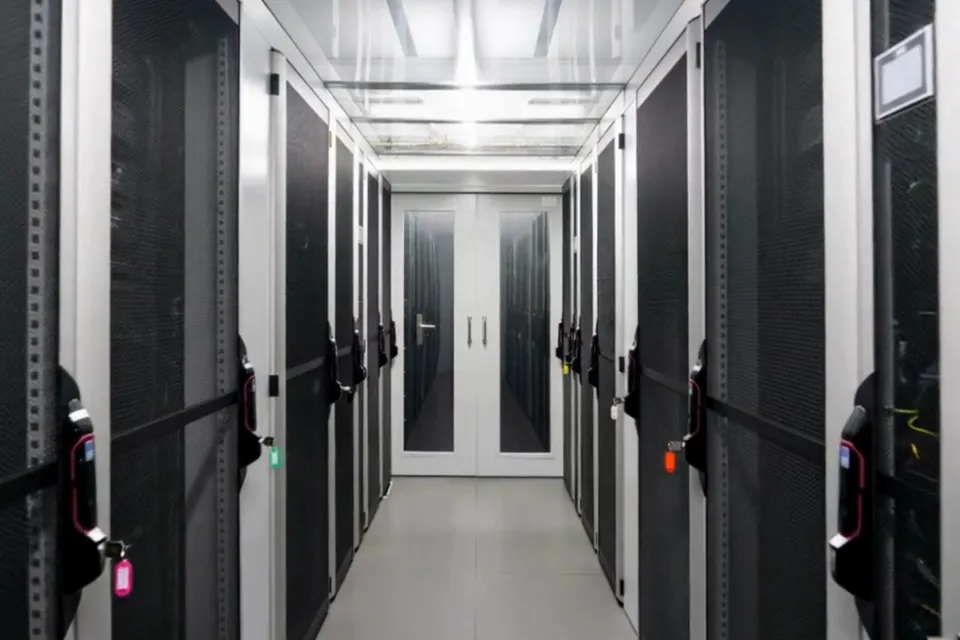
A CloudServer offers the same functions and applications as a conventional server in the basement or in a secured server room. It just isn’t on your premises: we provide it for you in our data centre.
Everyone in your team accesses it over the internet and works according to their needs and permissions.
What does this mean for your work?
The computing power lies with the CloudServer. Your own computer therefore has less to do and its capacity remains free for other things.
Every mouse click is executed in our data centre. In everyday work you notice surprisingly little difference from the old server in the basement.
You can also access your server from any computer with an internet connection, wherever you happen to be.
Our tip: a second internet line
Keep a second internet line ready that is based on a different technology. This way you can keep working even if your internet provider goes down.
We are happy to advise you on this.
What do I use the CloudServer for?
For programs that several people need from different locations. All programs on the CloudServer, for example your inventory management, your accounting or data backups, are available to you everywhere.
This is a big advantage for software where several employees work with the same data. You no longer have to “connect up” with each other, not even when working from home. Hardware and software are always up to date.
In short: use the CloudServer for applications that have to be available in every location and that several users access.

What do I keep doing on my PC?
Everything that only concerns you: you continue to surf the internet and use Word, Excel and graphics programs on your PC or notebook. Your PC is not abolished or replaced.
Our tip: work with two main windows.
Window 1: your CloudServer
This is where you open the server’s central programs.
- Merchandise management
- Invoicing program
- Your team’s shared data
Window 2: your own computer
This is where the applications and files on your PC run.
- Surfing the internet
- Word and Excel
- Graphics programs
Do you have questions about the CloudServer?
Call us or write to us: together we will find out which programs belong on your CloudServer.
Thank you for your request!
We will get in touch with you personally.
Your request number: